Premium Individual on your Entel line

Truecaller Know who is calling before you answer.

Identify unknown numbers, filter spam and protect your phone from scam calls.
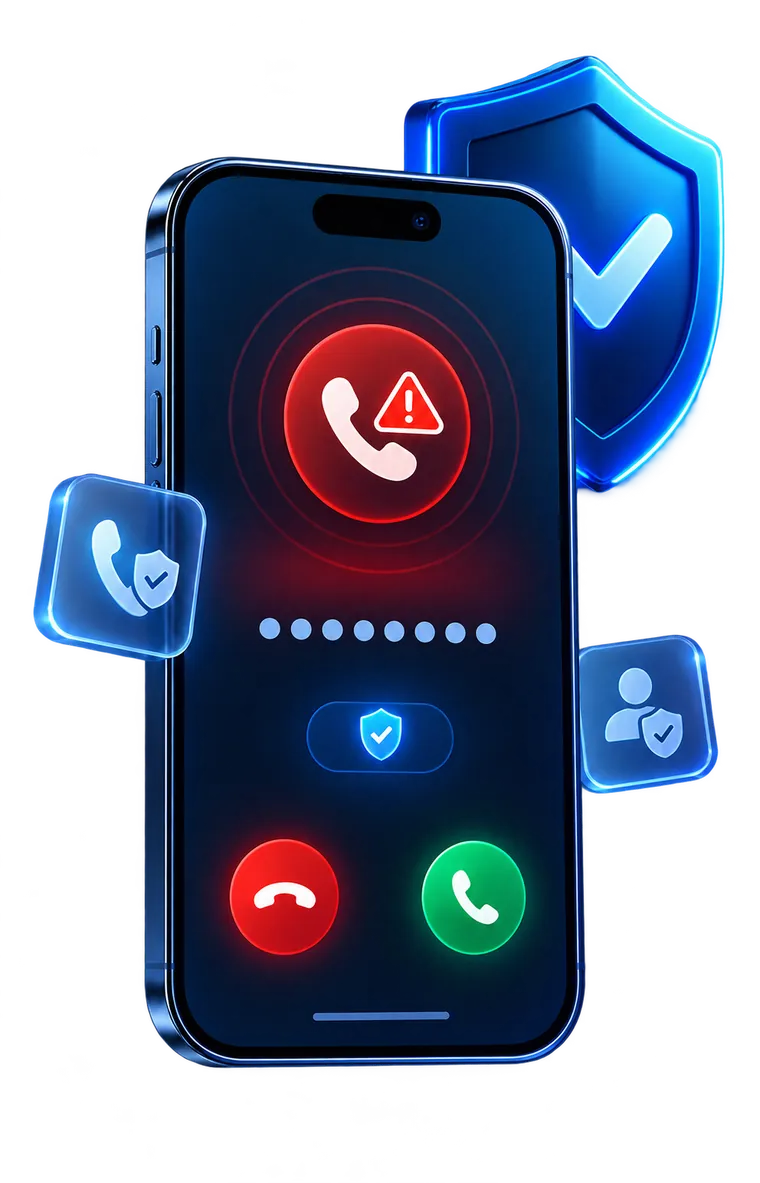
A phone showing a blocked suspicious call next to a protective shield

Why activate it here

Truecaller Premium for people who use their Entel line every day and want fewer interruptions.

  • Billed to your line

    The subscription is charged to your Entel line. No credit card needed.

  • One line, yours

    Premium Individual covers one number. It is not shared with other lines.

  • Android and iPhone

    It works on both systems. Some features vary by device and app version.

  • Activated with your number

    Verify the same number you subscribed with inside the app and you are set.

  • Cancel whenever you like

    The subscription renews on its own until you decide to cancel it from your phone.

  • Help when you need it

    Questions about your subscription? Write to ayuda@protectyourphone-pe.com and we will reply.

What a filtered call looks like

Before you answer, you already know whether it is worth it.
A red call icon with a warning sign

Spam alert on screen

When a number has been reported as spam, you see it right away and decide whether to answer.
A blue shield with a check mark beside the edge of a phone

Protection in the background

The spam filter works with the call blocking controls your device allows.
Decline and answer buttons below a protection indicator

Your call, in one tap

Answer what you recognise and let the rest go.

What Truecaller Premium includes

Features to identify, filter and look after your privacy.

Caller ID

See who is calling when Truecaller has information about the number, even if it is not in your contacts.

Advanced spam blocking

Filter unwanted calls with the call blocking controls available on your device.

Up-to-date spam lists

The list of the most-reported spam numbers updates automatically.

No ads

Use the app without advertising getting in the way.

Who viewed your profile

Find out who viewed your profile, when the feature is available.

Incognito lookups

Look up profiles without leaving a trace and use more privacy features.

Turn it on in three moves

After you subscribe, protection is switched on from the app.

  1. Subscribe

    Confirm the subscription with your Entel line from your phone.

  2. Install or open the app

    Download Truecaller from Google Play or the App Store, or open it if you already have it.

  3. Verify your number

    Sign in to the app with the same Entel number you subscribed with.

An extra layer of protection, not a guarantee

Truecaller helps you identify and filter unwanted calls, but no service detects every fraud attempt.

Never share passwords, PIN codes or bank details on a call or in a message.

Truecaller FAQs

Have questions about Truecaller? Here we answer what people ask us most about the subscription, activation and charges.

What do I receive with my Truecaller subscription?
With your Truecaller Premium Individual subscription you get, for one line, caller ID when there is information about the number, advanced spam blocking with your device's controls, spam lists that update automatically, the app with no ads, seeing who viewed your profile when the feature is available, and incognito lookups. Features can vary by operating system, device and app version.
How did I get subscribed to Truecaller?
You subscribed to Truecaller on our subscription page: you accepted the conditions, tapped AFILIARME and confirmed the subscription with your Entel line. Once the subscription is confirmed, you activate Premium in the app by verifying that same number.
Is there a charge for using Truecaller?
The subscription gives you access to the Truecaller Premium features while it is active. Yes, Truecaller operates a subscription model (Entel Postpaid: S./ 13.90 monthly, Entel Prepaid: S./ 2.00 daily), please refer to our pricing page for details.
What platforms does Truecaller support?
Truecaller works on Android phones and on iPhone. Some features depend on the operating system, the device and the app version. On iPhone, remember to enable Truecaller in Settings › Apps › Phone › Call Blocking & Identification.
How do I reach customer support?
Our customer support team is available to assist you. You can reach us through the 'Contact' page on Truecaller or email us at ayuda@protectyourphone-pe.com
How do I cancel my Truecaller subscription?
To cancel your subscription, you can do so by texting SALIR to 2011 (for Entel), or by emailing our customer care team at ayuda@protectyourphone-pe.com.

Answer only what matters

Subscribe with your Entel line and switch on Truecaller Premium today.

Subscribe